

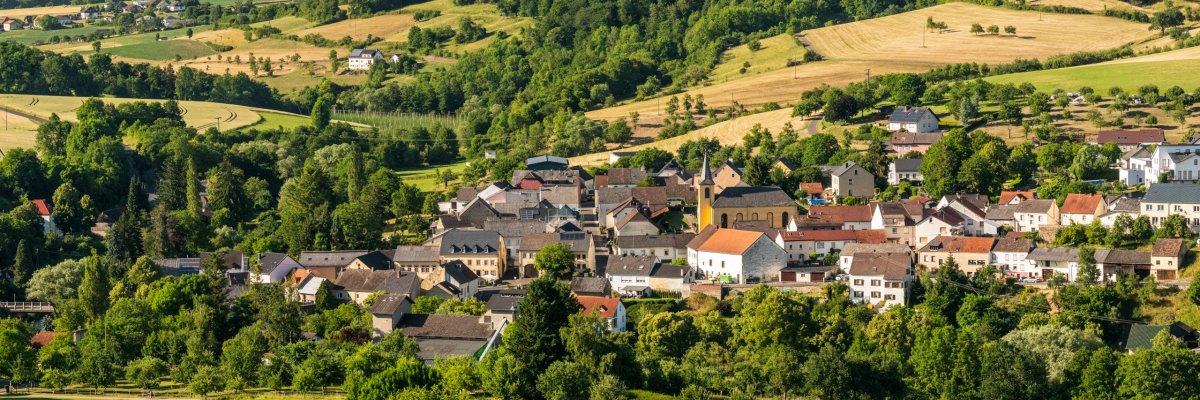
Landscape photos of the Klausnerweg Prümtal

Local community of Heilbach

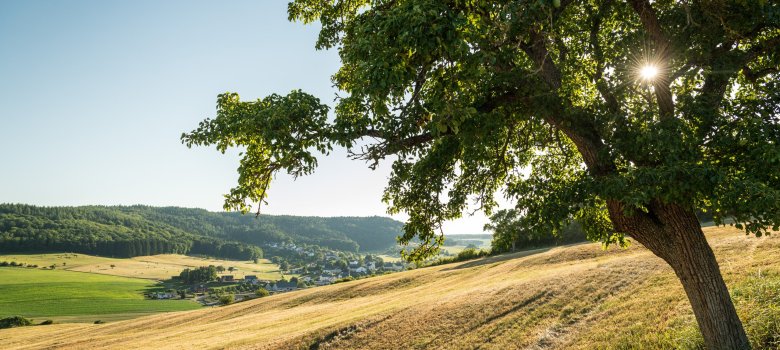
Landscape photos of the Klausnerweg Enztal


Discover Heilbach in the southern Eifel!

Heilbach, a tranquil village in the Eifel district of Bitburg-Prüm in Rhineland-Palatinate, is located on the Arzfeld plateau in the West Eifel. The stream of the same name flows through the village, which is surrounded by agricultural land. The residential areas of Alferhof, Bornhof, Wehrhauserhof and the hamlet of Windhausen belong to the municipality.

Public facilities:

Heilbach has a village community center.

Sights and culture:

  • Historic wayside crosses: In Heilbach and especially in the Windhausen district, there are several historic wayside crosses from the 18th century that bear witness to the region's religious past.

Nature and leisure:

  • Hikes: There are seven marked circular hiking trails around the local communities of Ammeldingen near Neuerburg, Emmelbaum, Heilbach and Plascheid. The circular hiking trail R 7 is 6.9 km long and starts and ends in Heilbach.

Experience the harmonious combination of history, culture and nature in Heilbach and be enchanted by the idyllic landscape of the Western Eifel!

Help with accessibility

  • General

    We endeavor to make our websites accessible. You can find details on this in our accessibility statement. You can send us suggestions for improvement via our feedback form Report accessibility.

  • Font size

    To adjust the font size, please use the following key combinations:

    Larger

    ⌘command
    +

    Smaller

    ⌘command

    Larger

    Ctrl
    +

    Smaller

    Ctrl
  • Keyboard navigation

    Use TAB and SHIFT + TAB to navigate through next/previous links, form elements and buttons.

    Use ENTER to open links and interact with elements.

  • Contrast mode

    Press the following key combination to reduce or increase the contrast:

    Enlarge

    ⌃control
    ⌥option
    ⌘command
    .

    Decrease

    ⌃control
    ⌥option
    ⌘command
    ,
    Note: The shortcuts must be activated in the system settings of the operating system.

    Press the left ALT key + left SHIFT key + PRINT to quickly switch the high contrast mode on or off.

  • Invert colors

    Press the following key combination to switch color inversion on and off:

    ⌃control
    ⌥option
    ⌘command
    8
    Note: The shortcuts must be activated in the system settings of the operating system.

    First activate the screen magnifier and then switch the color inversion on and off with the following key combinations:

    1. screen magnifier

    +

    2. invert colors

    Ctrl
    Old
    I
  • Screen magnifier

    Press the following key combinations to use the screen magnifier:

    Switch on/off

    ⌥option
    ⌘command
    8

    Enlarge view

    ⌥option
    ⌘command
    =

    Reduce view

    ⌥option
    ⌘command
    Note: The shortcuts must be activated in the system settings of the operating system.

    Switch on / Enlarge view

    +

    Reduce view